Arduino IDE: Installation Guide
Learn how to install Arduino IDE step-by-step: Install Arduino IDEStep 1
Click and Download based on your own compatibility.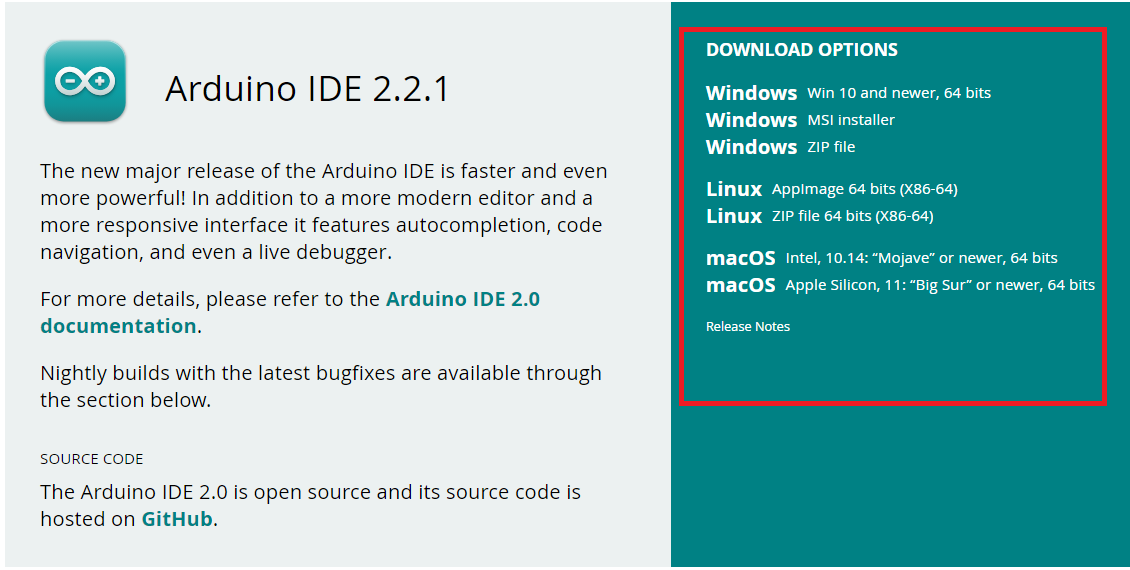
Step 2
After choosing, click twice "Just Download"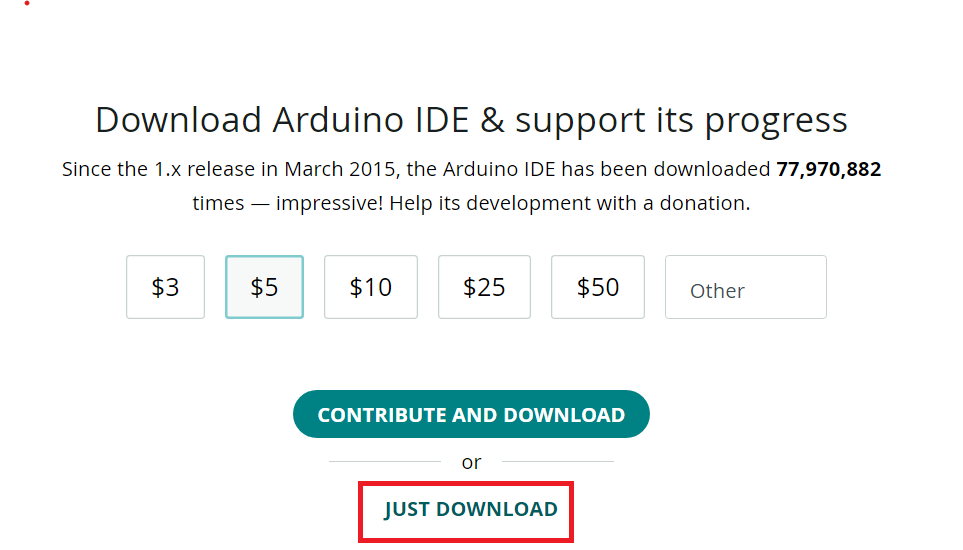

Step 3
Make sure that the directory is at Download and click "Save"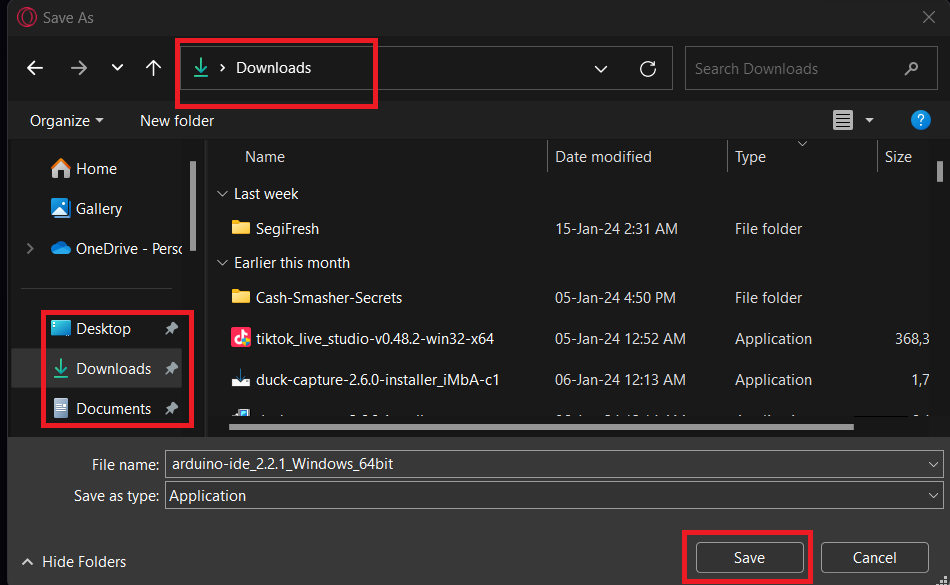
Step 4
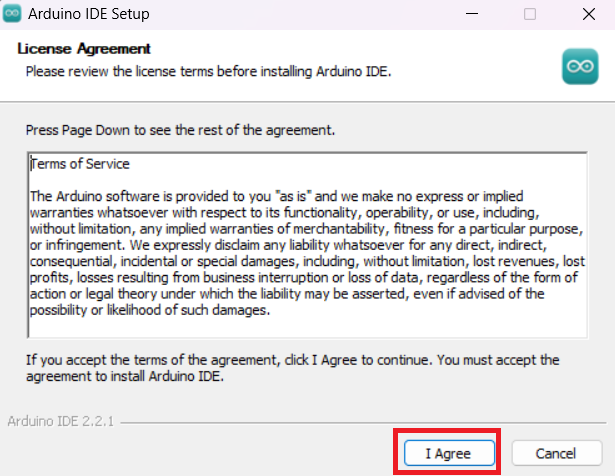
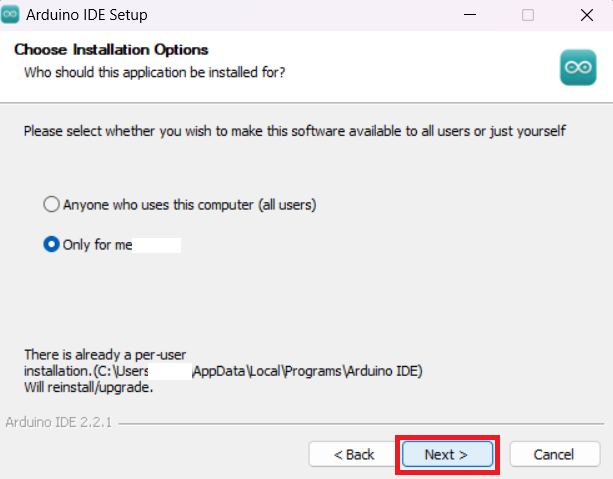
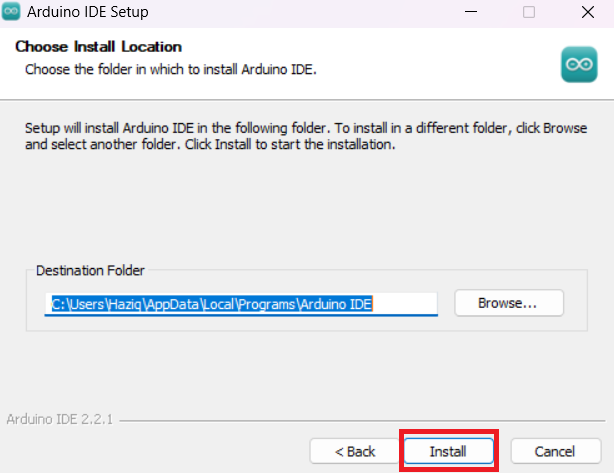
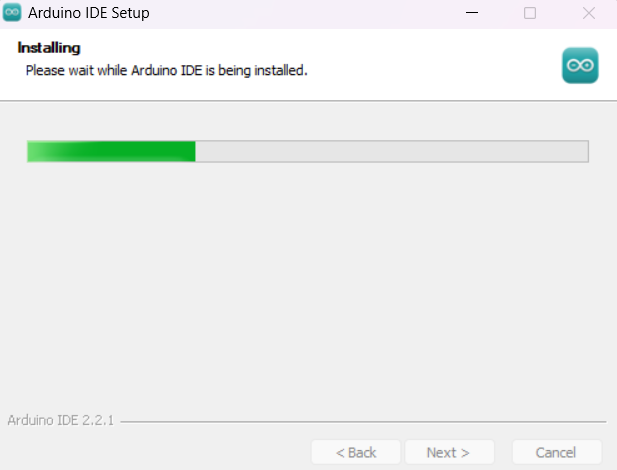
After downloading, open arduino-ide and follow this installation guide.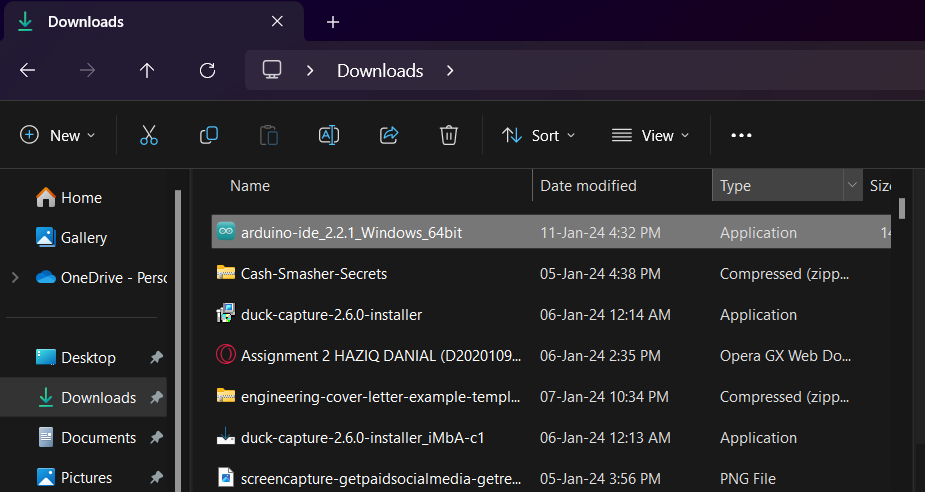
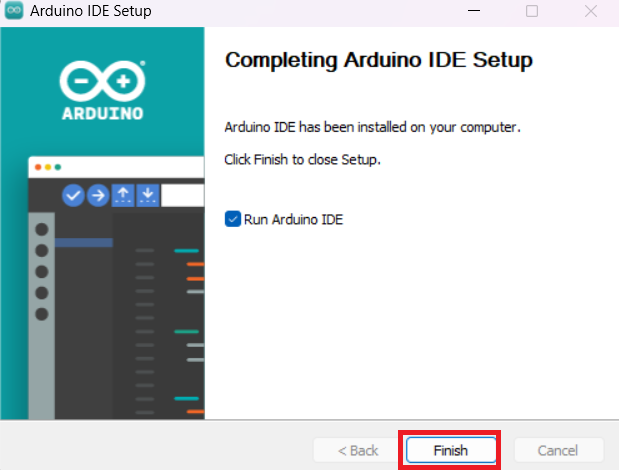
Step 5
After clicking Finish, this is how it would look like after the installation is done.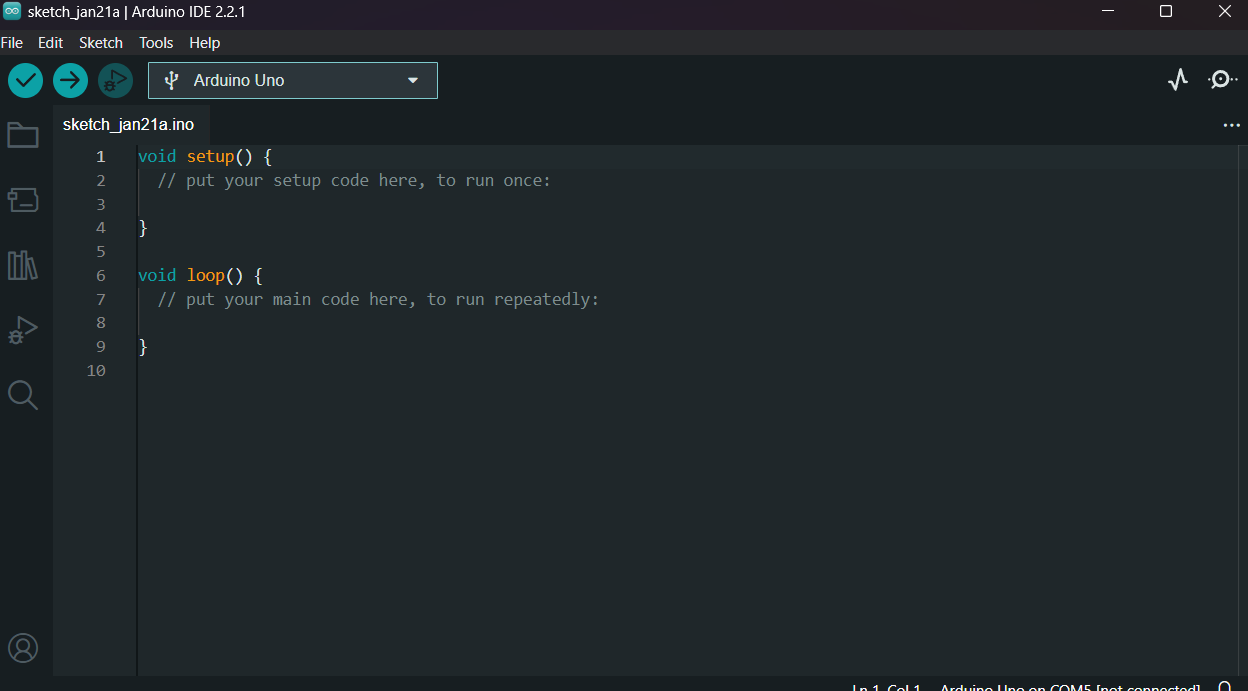
Installation has been completed
You are now good to go! Learn how to start program on Arduino Uno R3 now.